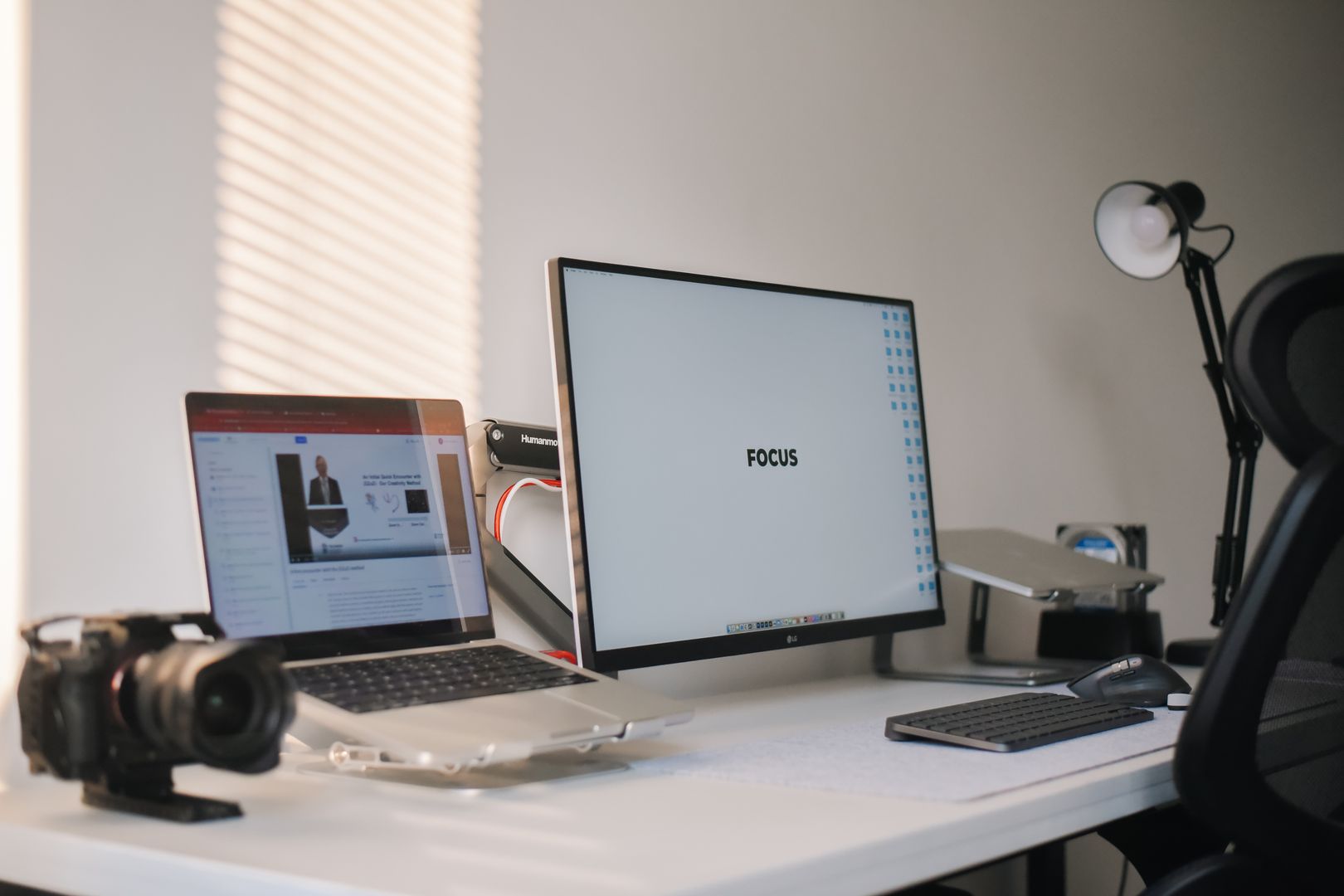
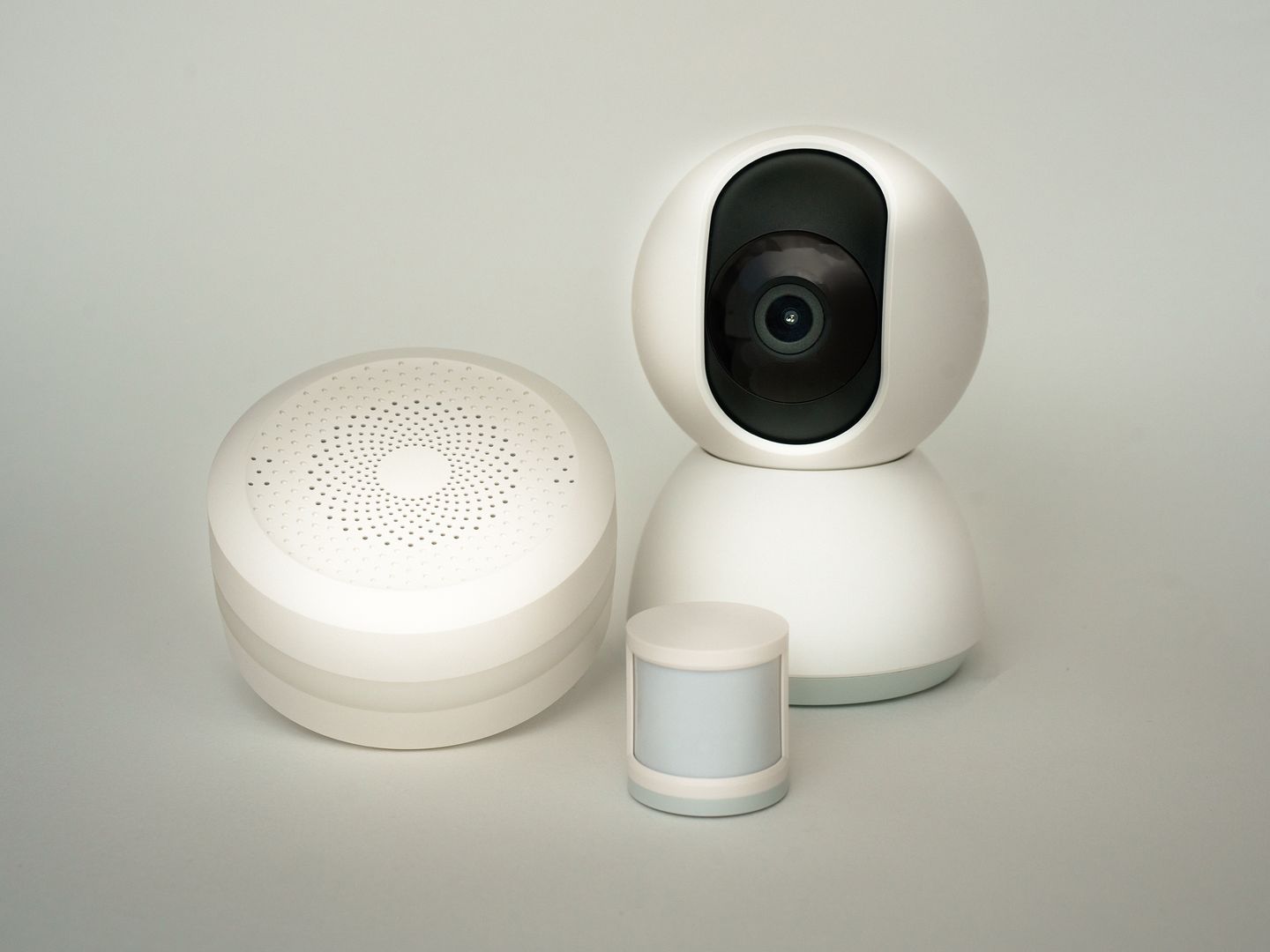
Choosing a webcam for business in 2026 is less about chasing spec-sheet bragging rights and more about getting stable, flattering video inside Zoom. The best webcam for zoom is the one that stays sharp when you lean in, doesn't hunt focus under mixed lighting, and offers controls you can actually use on a weekday call.
This review ranks five standouts by comparing manufacturer specifications, official documentation and manuals, and Zoom's published guidance. The scoring lens is straightforward: image quality especially in non-ideal light, framing and focus behavior, audio and privacy ergonomics, and platform fit including Zoom behavior, OS support, and whether the extras require special software or admin permissions.
At a glance, six takeaways matter most for webcams for the home: Zoom can limit what your camera delivers, so a 4K webcam doesn't guarantee 4K calls. 1080p is the practical ceiling for most meeting setups; consistency beats maximum resolution. Field of view control is the difference between professional and laptop wide-angle. Built-in microphones are fine for backup, but most serious setups still benefit from a dedicated mic. Privacy features should be physical like a shutter or cap or mechanically obvious. USB bandwidth and software policies especially on managed work laptops can make or break pro features.
One warning that belongs in every Zoom-focused webcam decision: your call platform can cap your output. Zoom's support article on HD video states that Full HD 1080p in meetings is limited to Business and Enterprise plans and certain other licensed scenarios and that the setting must be enabled by Zoom Support. The same Zoom article notes that using virtual background without a green screen can cap video at 720p and potentially 360p on some lower-end Windows computers, and it also lists bandwidth requirements for 1080p: a minimum of 3.8 Mbps sending and 3.0 Mbps receiving.